XRP payment QR codes allow users to send and receive XRP by scanning instead of copying wallet addresses, reducing errors and speeding up transactions. Most XRP wallets like Xaman and GemWallet support QR codes, and users can optionally include fixed amounts and destination tags.
HOW TO CREATE AND USE XRP PAYMENT QR CODES
Sending XRP can be even easier when you use QR codes instead of copying and pasting wallet addresses. QR codes reduce the risk of errors, make payments faster, and are supported by most XRP-compatible wallets like Xaman and GemWallet.
Here's how to create and use XRP payment QR codes safely and correctly.
Step 1: Open Your XRP Wallet
Open your XRP wallet app: for example, Xaman or GemWallet
*Make sure you're on the main dashboard where your XRP balance and address are visible
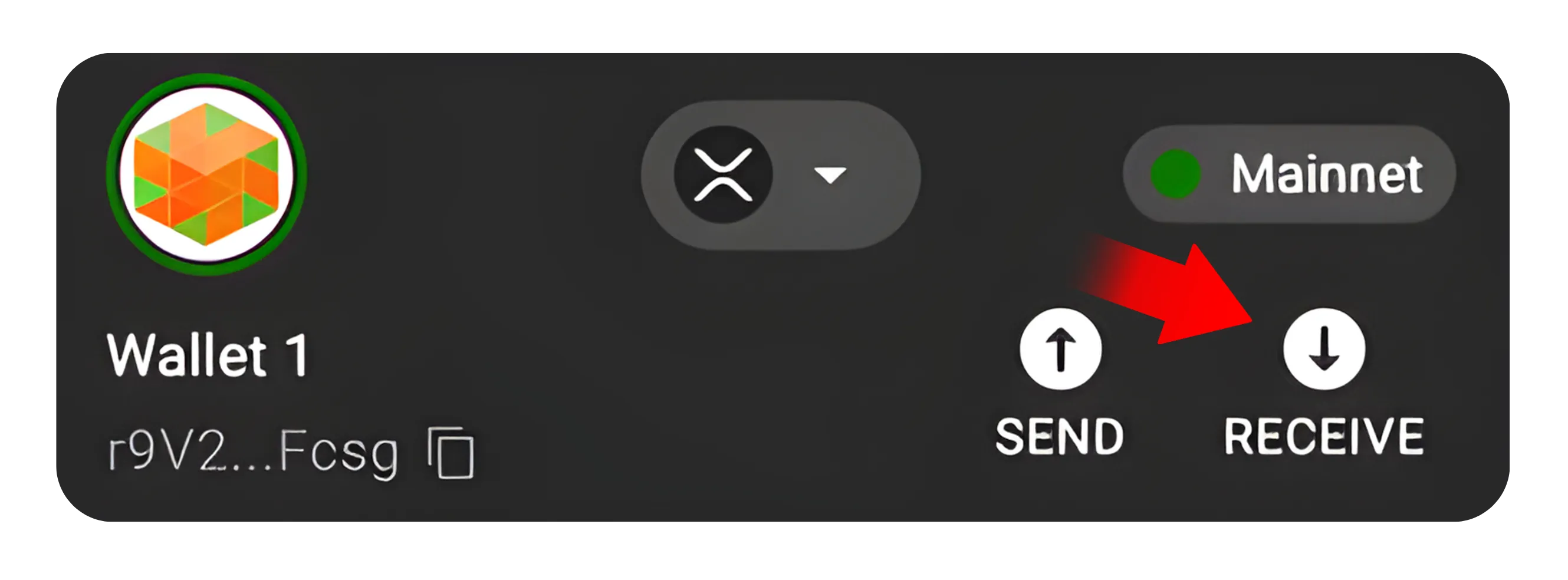
Step 2: Locate the "Receive" or "Deposit" Option
Tap or click "Receive" (sometimes labeled "Deposit")
*This will show your wallet's XRP address along with a QR code automatically generated for that address
This code represents your wallet address, anyone who scans it can send XRP directly to you.
Step 3: Copy or Download the QR Code
You can either:
Save the QR code image to your device, or
Copy the link (address) beneath it for manual sharing
If you plan to share it publicly (for tips or payments), make sure it's from a dedicated wallet, not the one you use for personal holdings
Step 4: (Optional) Add a Payment Amount or Tag
Some wallets allow you to generate a QR code with a fixed payment amount and destination tag
*For example, you can create a QR code that requests exactly 50 XRP with your tag automatically included
This ensures the sender can't mistype or forget the tag, a common mistake when sending to exchanges
Step 5: Send or Scan a QR Code
To send XRP: Tap the "Scan" icon in your wallet and point your camera at the QR code provided by the recipient
To receive XRP: Share your QR code via email, chat, or social media (if you're accepting payments)
Your wallet will automatically fill in the address (and tag if included). You just need to confirm the amount and transaction fee.
Tips for Safe Use
Only share QR codes from trusted wallets, never from exchange deposit pages
If you include a destination tag, double-check that it's correct before sharing
Always test with a small transfer before sending large amounts
Never post QR codes from wallets that contain all your funds. Create a separate payment wallet for public use
Conclusion
XRP payment QR codes make transactions faster, safer, and more convenient by eliminating typing errors. Whether you're requesting payment or sending XRP to someone else, QR codes save time and improve accuracy, a simple yet powerful feature built into most XRP wallets.