
XRP TUNDRA Purchase Guide
Step-by-step guide to purchasing XRP Tundra tokens: From account creation and email verification to token purchase, payment processing, and transaction tracking. Includes minimum investment requirements, supported cryptocurrencies, and official support contact information.

XRP TUNDRA GUIDE
Step 1: Create Your Account
Go to the XRP Tundra website https://xrptundra.com/
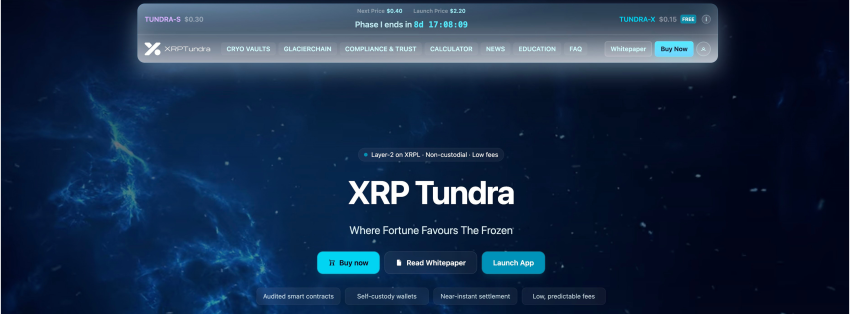
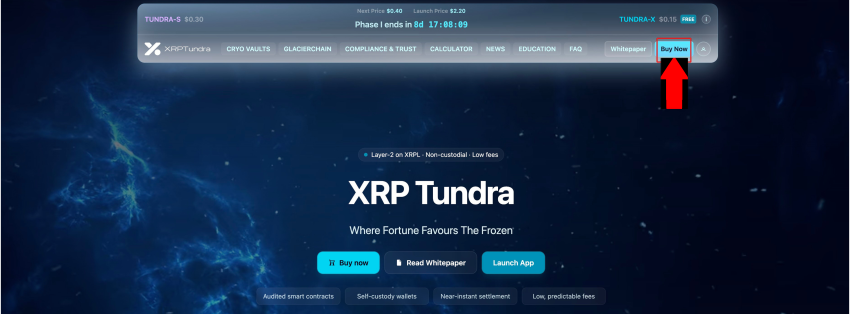
Click Buy Now (it will lead you to the registration page)
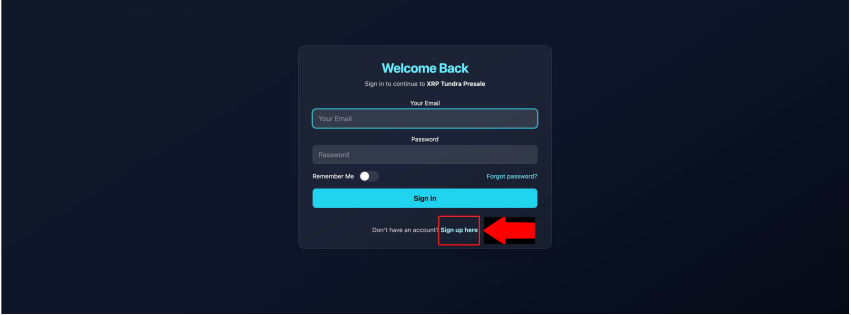
On the login page, click Sign up here
Fill in the form:
Name: Enter your full name
Email: Use a valid email address (e.g., johndoe@example.com)
Password: Create a strong password
Repeat Password: Enter the same password again
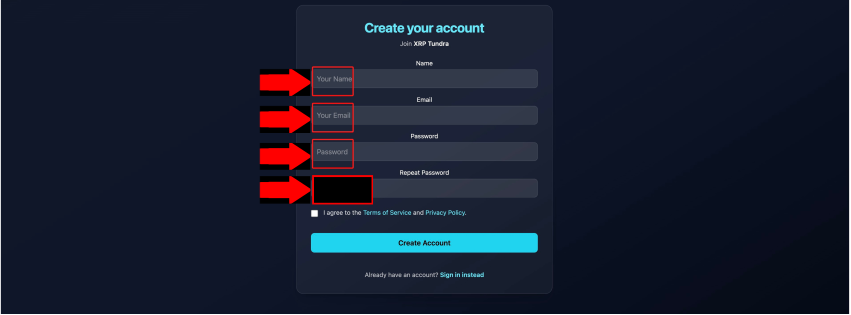
Tick the box "I agree to the Terms of Service and Privacy Policy"
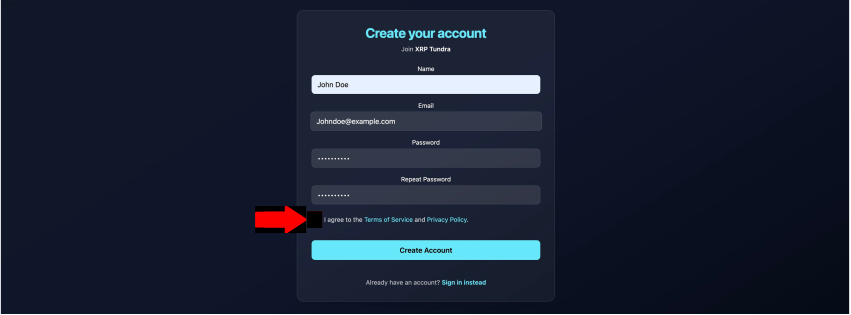
Click Create Account
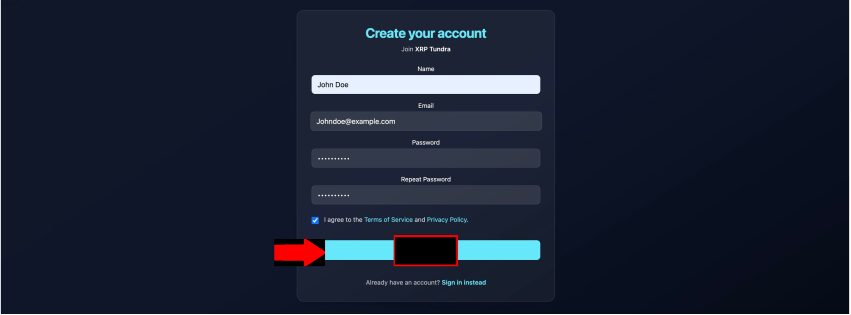
After creating the account, you'll see a "Thank you" message asking you to verify your email
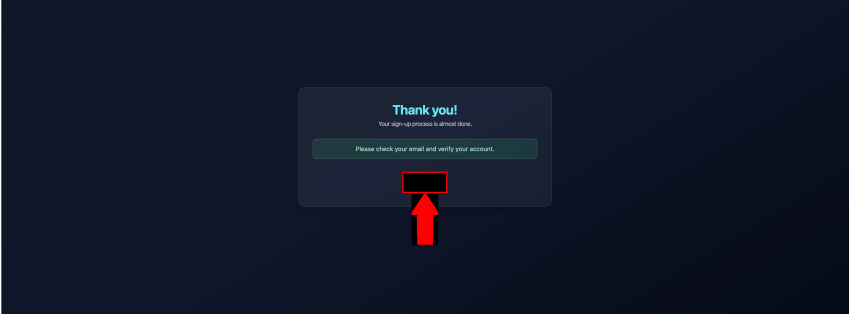
Step 2: Sign In
Go back to the website, enter your registered email and password, then click Sign In
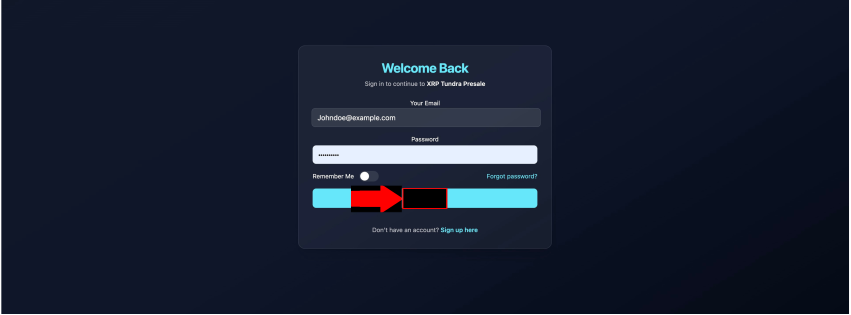
Step 3: Access the Presale / Buy Tokens
Once logged in, click the Buy Now button on the homepage
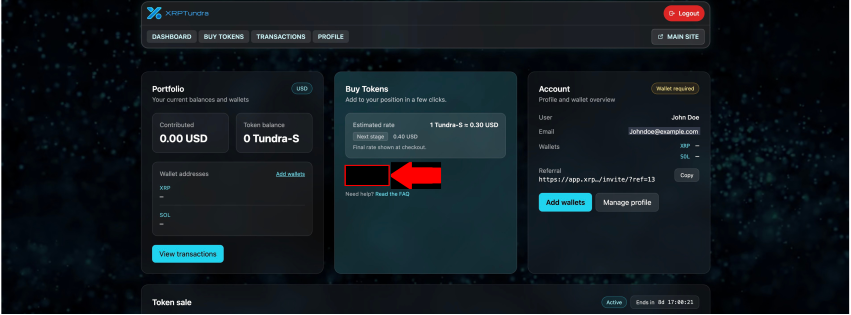
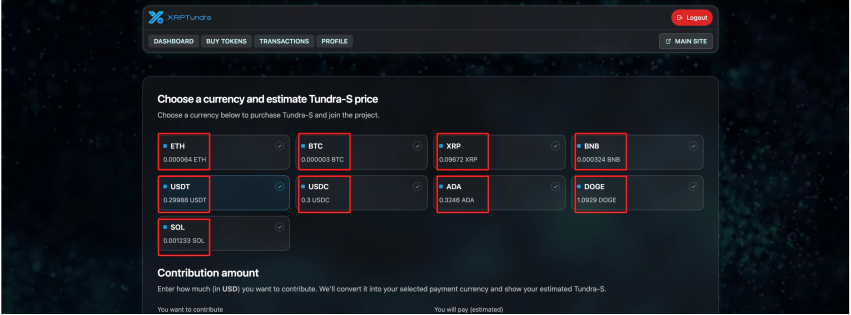
Select the currency you want to pay with (e.g., XRP, USDT, BTC, ETH, ADA, DOGE, SOL)
Example: In the screenshots, USDT is chosen
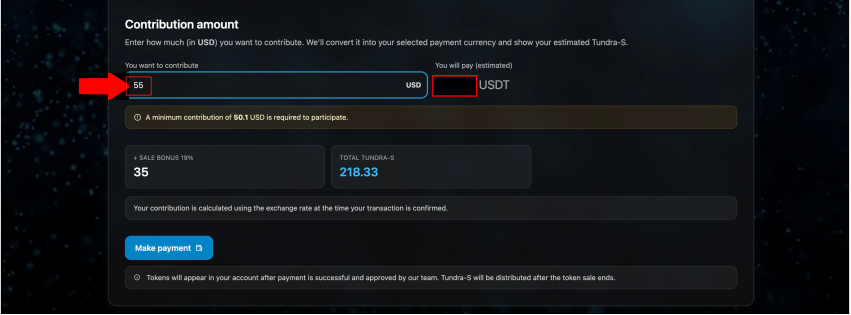
In the field "You want to contribute", type how much (in USD) you want to invest
Minimum is 50.1 USD
The system will automatically show: How much of your chosen crypto you need to send (e.g., 54.977 USDT)
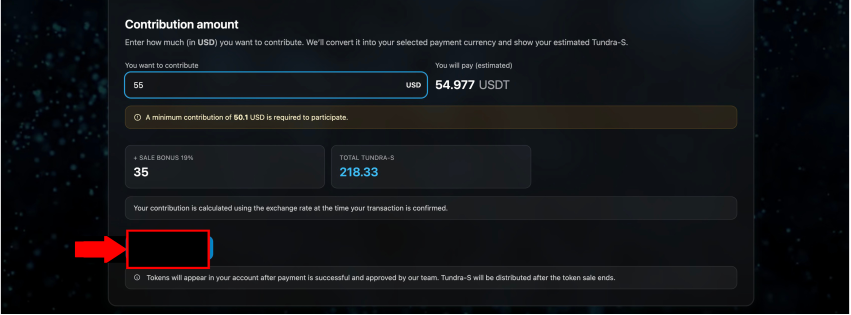
Click Make Payment
A pop-up will appear asking you to Confirm Purchase
Review the details (amount, tokens, bonus)
Click Confirm & Continue
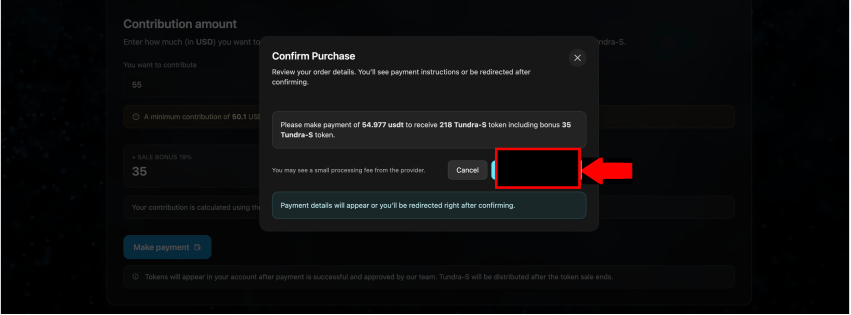
Step 4: Send Payment
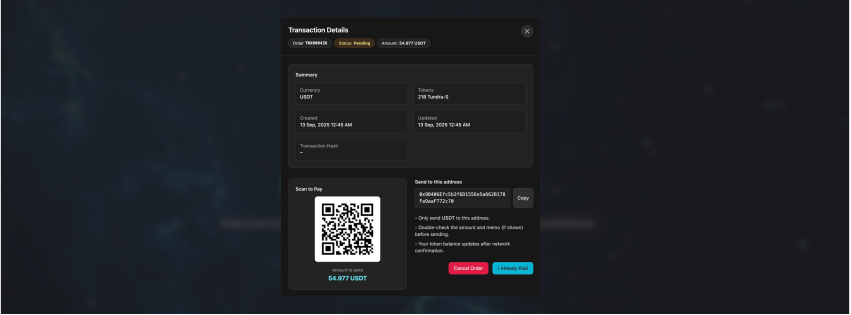
A payment window opens with:
A QR code (scan with wallet app)
A wallet address
The exact amount you must send (e.g., 54.977 USDT)
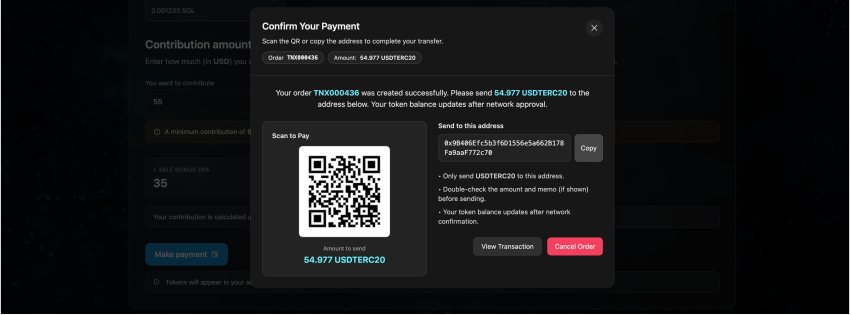
Copy the address or scan the QR, then send funds from your wallet
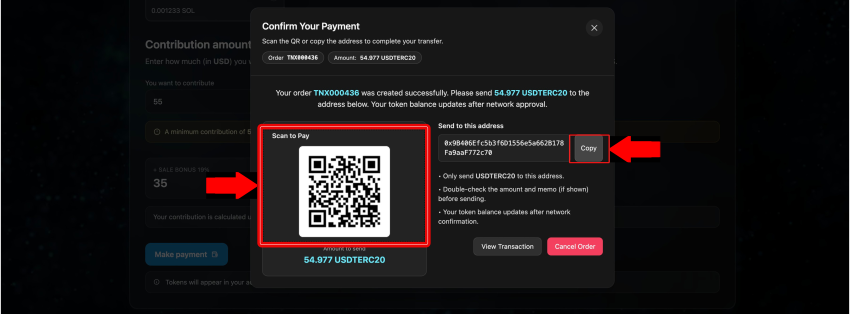
Step 5: Track Transactions
Go to Transactions from the menu
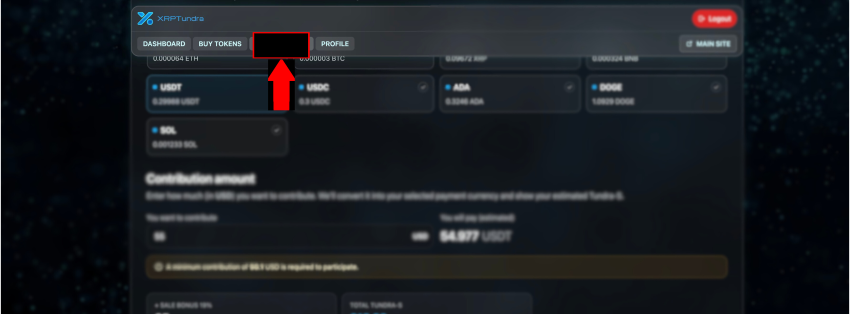
You'll see your purchase listed. If unpaid, click Pay to complete
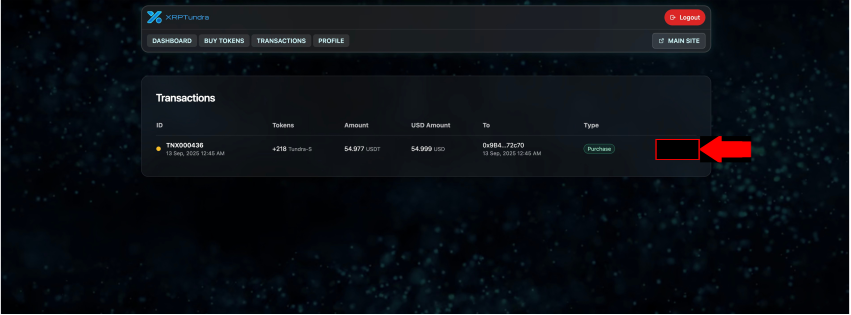
Open your order to see:
Status (Pending / Complete)
Payment address
QR code
Transaction Processing:
Processing time: Few minutes to 30 minutes (in rare cases longer depending on network congestion)
If payment doesn't reflect for more than 60 minutes: Please reach out to support on the website
Warning: Only use official website chat support - beware of scammers on social media claiming to be support team